
You haven't signed in yet, you can have a better experience after signing in
*Please complete the payment within {{receiveCouponInfo.expire_at}}Previous use*
You haven't signed in yet, you can have a better experience after signing in





Activity Rules
1、Activity time:{{ info.groupon.start_at }} ~ {{ info.groupon.end_at }}。
1、Activity time:cease when sold out。
2、Validity period of the Group Buying:{{ info.groupon.expire_days * 24 }} hours。
3、Number of Group Buying:{{ info.groupon.need_count }}x。
Please Pay Attention
1、Teamwork process: Join/initiate a Group Buying and make a successful payment - Within the validity period, the number of team members meets the activity requirements - Group Buying succeeded!
2、If the number of participants cannot be met within the valid period, the group will fail, and the paid amount will be refunded in the original way.
3、The number of people required and the time of the event may vary among different products. Please pay attention to the rules of the event.
Nuclear Shuo Image Batch Marking and Annotation Tool Software




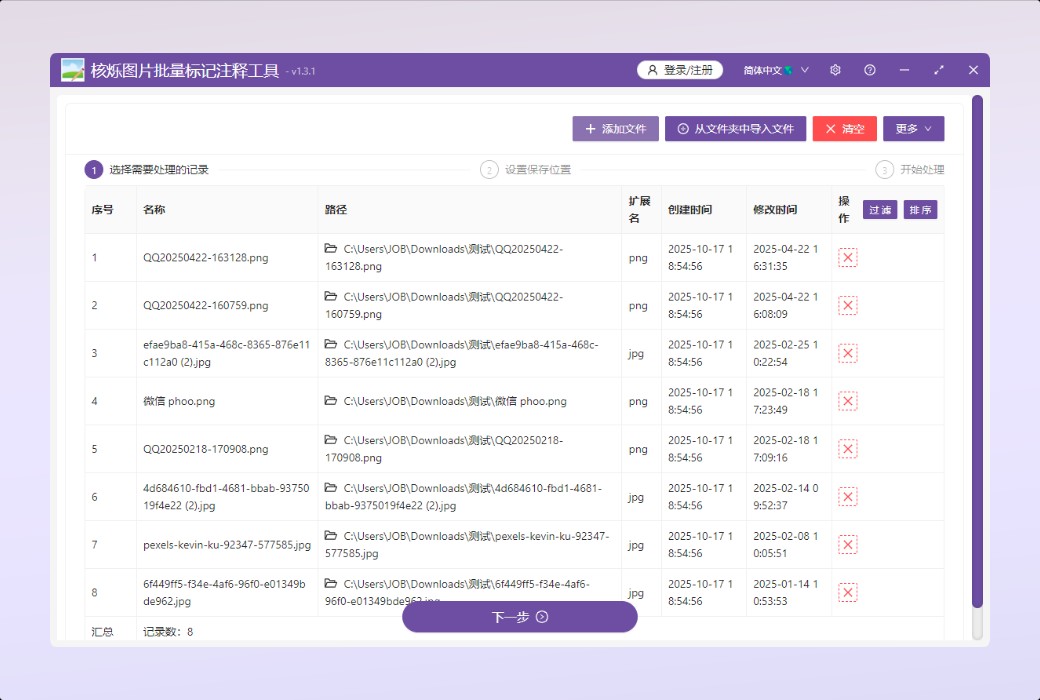
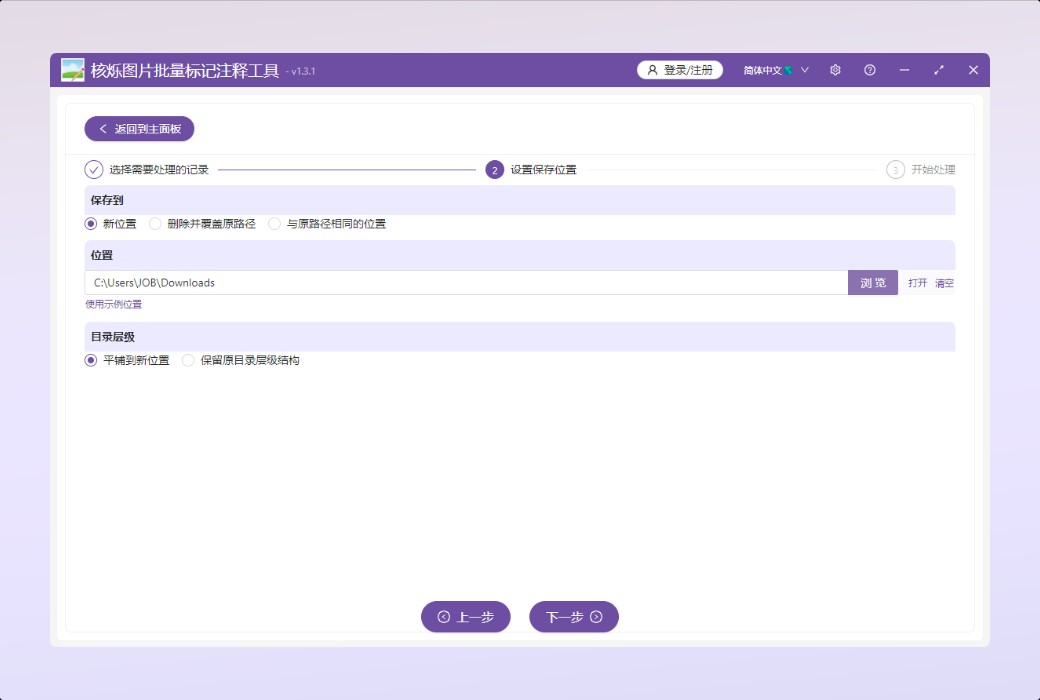
This is a brand new software that can batch add graphic or textual marks or annotations to many JPG, PNG, and other images, such as drawing curves, lines, rectangles, circles, arrows, and other shapes on the images. Support pasting images directly from the system clipboard.
core functionality
Functional purpose
Batch draw curves, lines, squares, triangles, arrows, circles, and other shapes on many JPG, PNG, and other images. Text can also be added, and screenshots saved in the system clipboard can be pasted onto the images. Very suitable for the following scenarios:
Official website:https://www.wodeabc.com/article/show/8002659/
Download Center:https://heshuo-drawing.apsgo.cn
Delivery time:Manual online processing
Operating Platform:Windows
Interface language:Support Chinese interface display.
Update Description:Use and update during the subscription period.
Trial before purchase:Free trial is available before purchase.
How to receive goods:After purchase, the activation information will be sent to the email address at the time of placing the order, and the corresponding product activation code can be viewed in the personal center, My Orders.
Number of devices:Log in to the account and use it on one device at the same time.
Replace computer:Uninstall the original computer and activate the new computer.
Activation guidance:https://heshuo-media-viewer.apsgo.com/forum/4925
Special note:To be added.
reference material:https://www.wodeabc.com/article/show/8002659/

Any question

DXF (Drawing Exchange Format) is a common format in the CAD industry, which is stored in plain text format and easy to edit and modify,
Suitable for cross software and cross platform writing. In many cases, we need to convert CAD files to DXF format. This article is here to teach everyone,
How to convert DWG and DWF files to DXF format, support one click batch conversion of tens of thousands of files, and easily solve the problem of CAD file format conversion.
What are the characteristics and advantages of the DXF format
1. Cross platform support: DXF is an open file format developed in AutoCAD, which can be read and processed by many CAD systems and has wide applicability and scalability. Support data exchange between different CAD software, suitable for cross software and cross platform file sharing and collaboration.
2. Strong readability: DXF files are divided into two types: ASCII format and binary format. Among them, ASCII format has stronger readability and is more convenient for users to edit, achieving the purpose of modifying from external graphics.
3. Support lightweight data exchange: DXF files are suitable for storing and exchanging 2D graphic data, such as lines, points, circles, etc., making it easy to interface with other tools or systems that require geometric data.
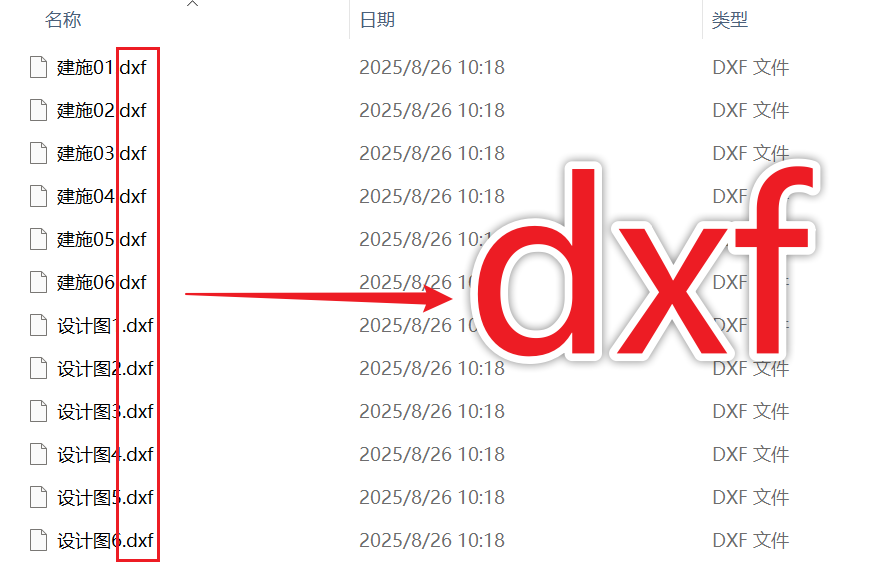
DWG and DWF formats converted to DXF format preview of the effect
Before processing:
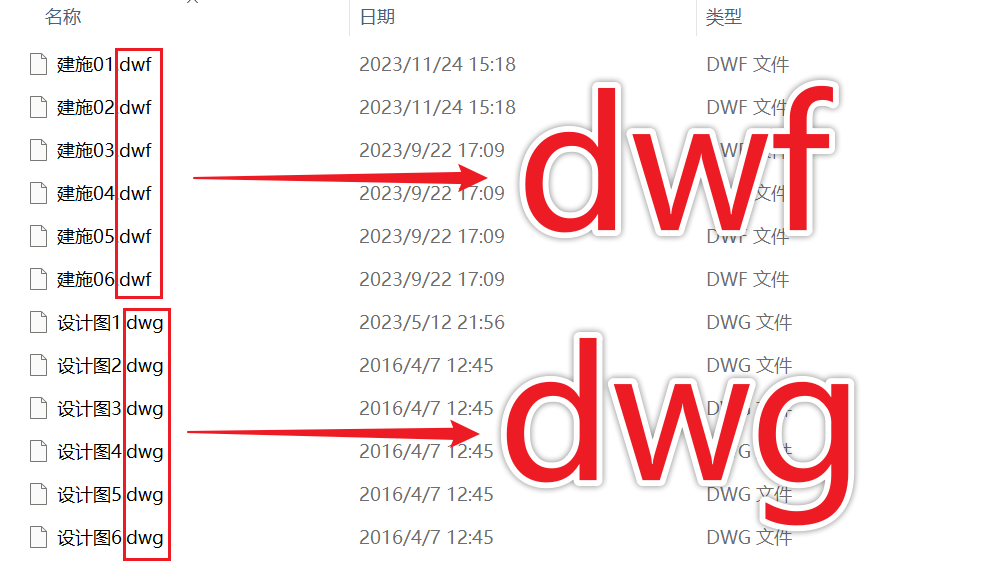
After processing:
Batch conversion of DWG and DWF formats to DXF operation steps
1. Open the 'My ABC Software Toolbox', select 'Format Conversion' ->'CAD Conversion to Other Formats'.

2. Click on 'Add File' or 'Import File from Folder' to add the CAD file to be converted format here.
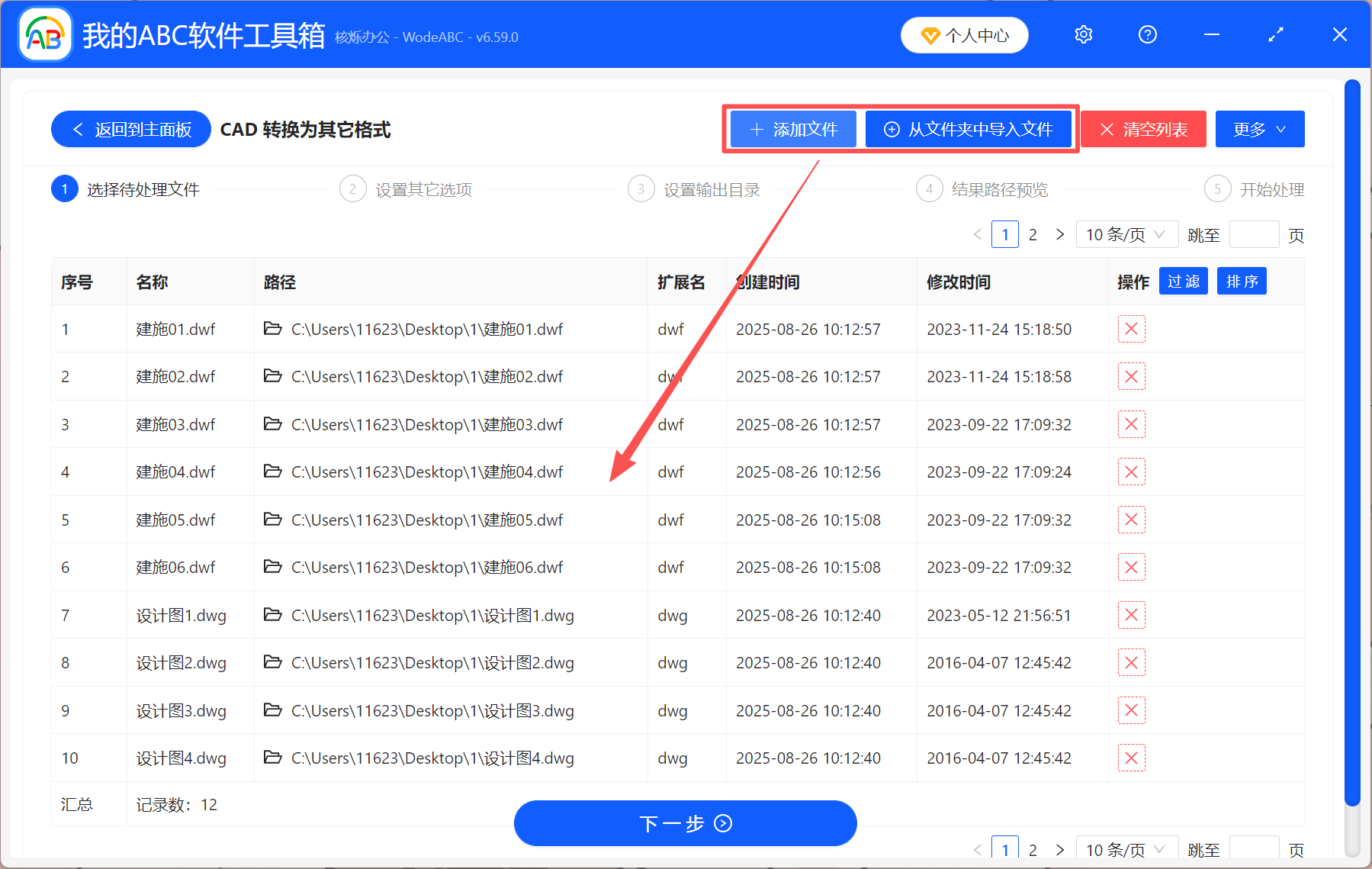
3. Select 'dxf' as the converted format.

4. After the conversion is complete, simply click on the output directory to view the DXF file.
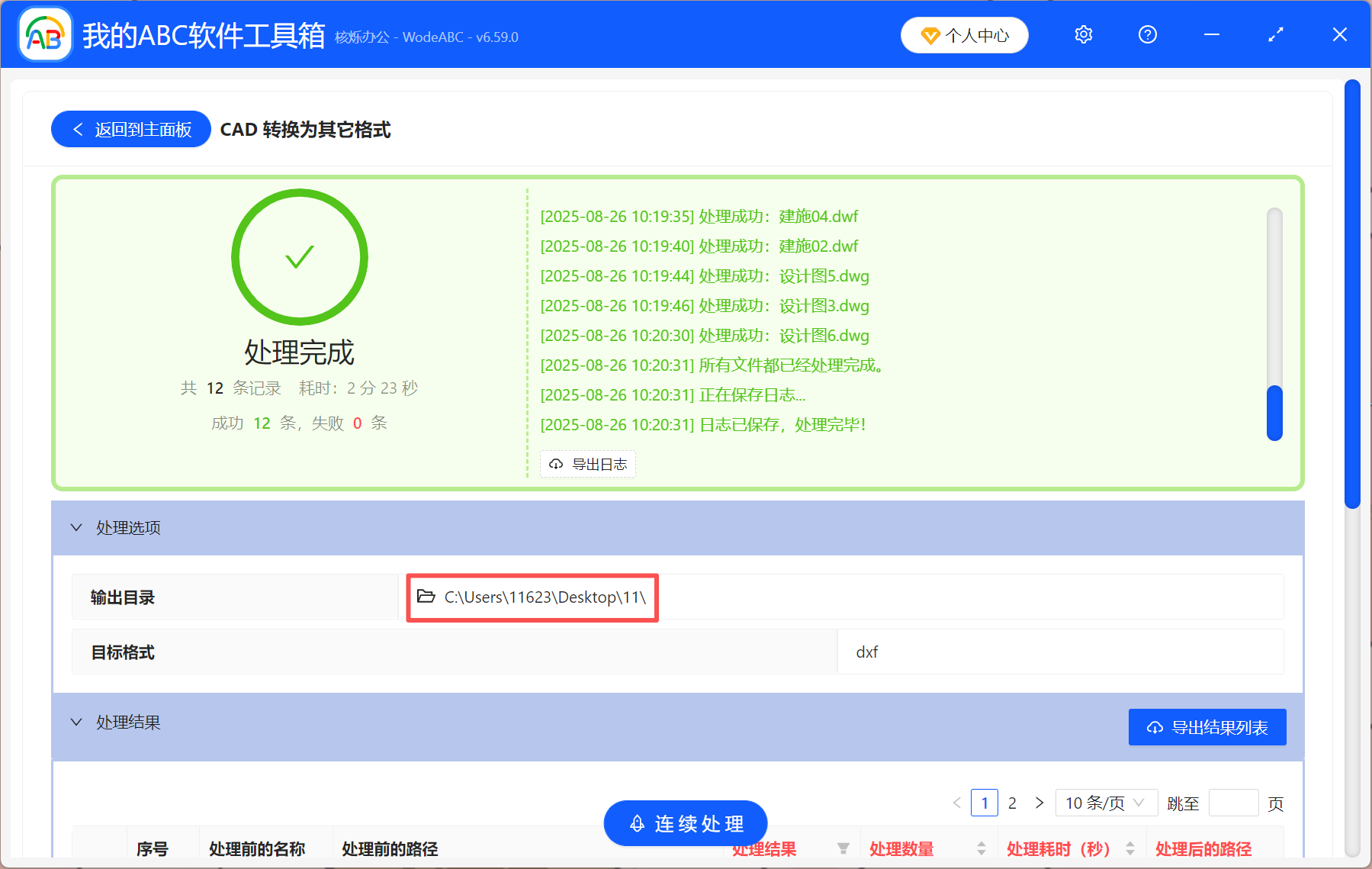
By following the above four steps, you can batch convert DWG and DWF files to DXF format with simple operation and high efficiency. In addition, you can also batch convert DXF files to DWG and DWF formats, support CAD file format conversion to each other, and can also convert to PDF files. If you need it, give it a try!